
Every server config, every change, one console you host.
Back up and version the configuration of every Linux server, let AI flag risky settings, and give each team its own workspace. It runs on your infrastructure, so your configs never leave it.
Built for the people who run the servers
From one Raspberry Pi to hundreds of production hosts: what the Management Console does for your team.
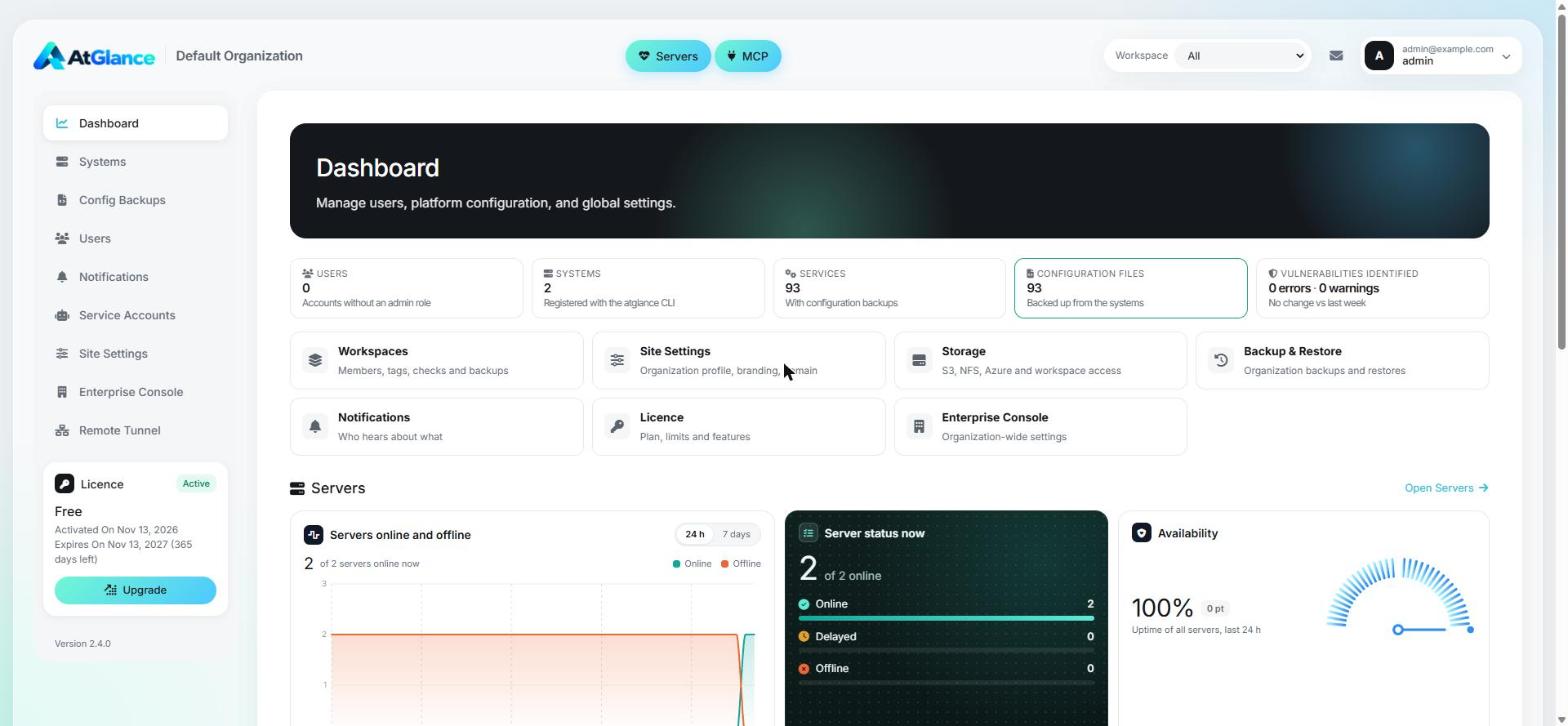
Your whole fleet on one screen
Users, systems, services and stored configuration files at a glance, with errors and warnings found this week and how they changed since last week.
- Live counts per workspace, or across all workspaces
- 7-day performance chart: errors, warnings and clean configs
- One-click jumps to users, workspaces and site settings
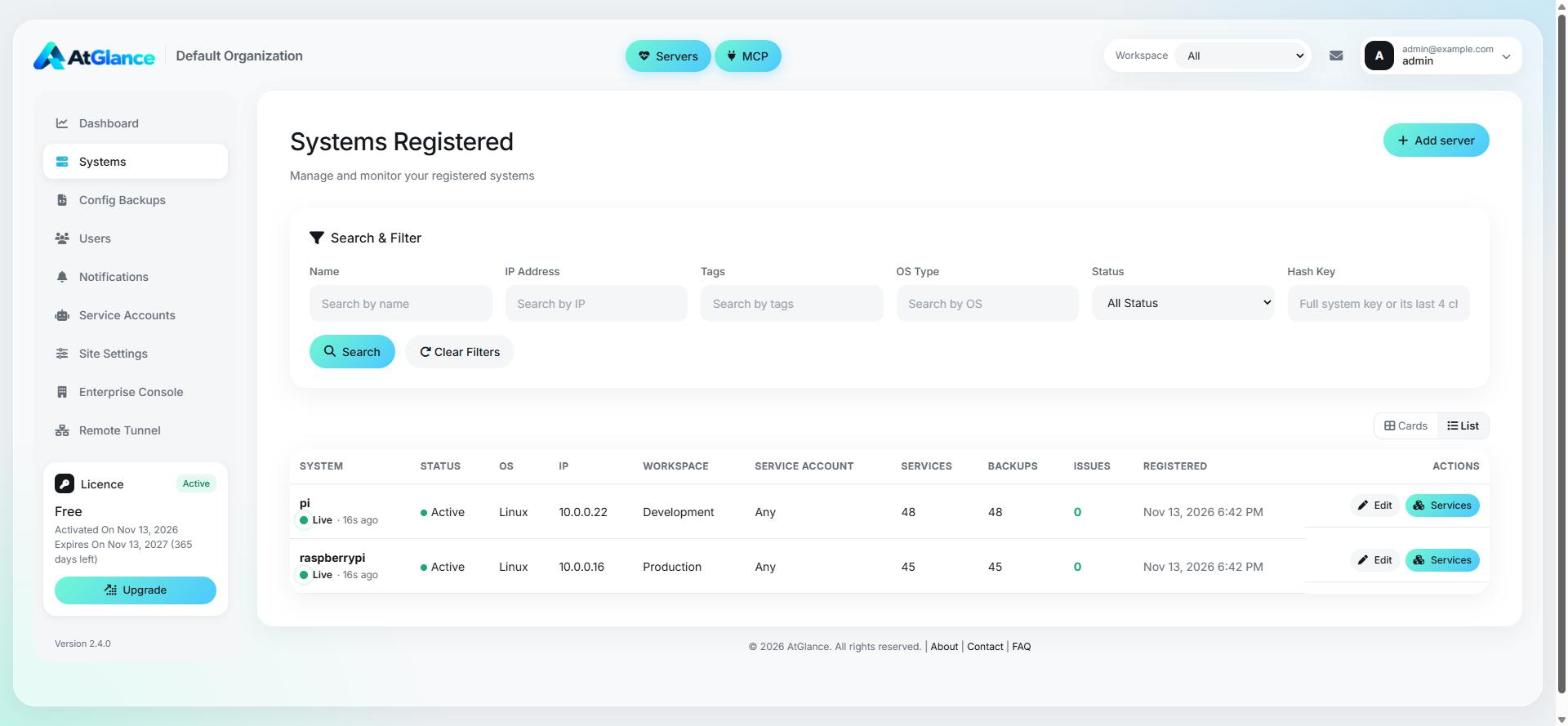
Every registered server, searchable
Each Linux host running the AtGlance CLI registers itself. See its services, backups and open issues, and find any host in seconds.
- Search by name, IP, OS, tags or file hash
- Services, backups and issue counts per system
- Lock system info so hosts cannot overwrite it
Every change to every config file, versioned
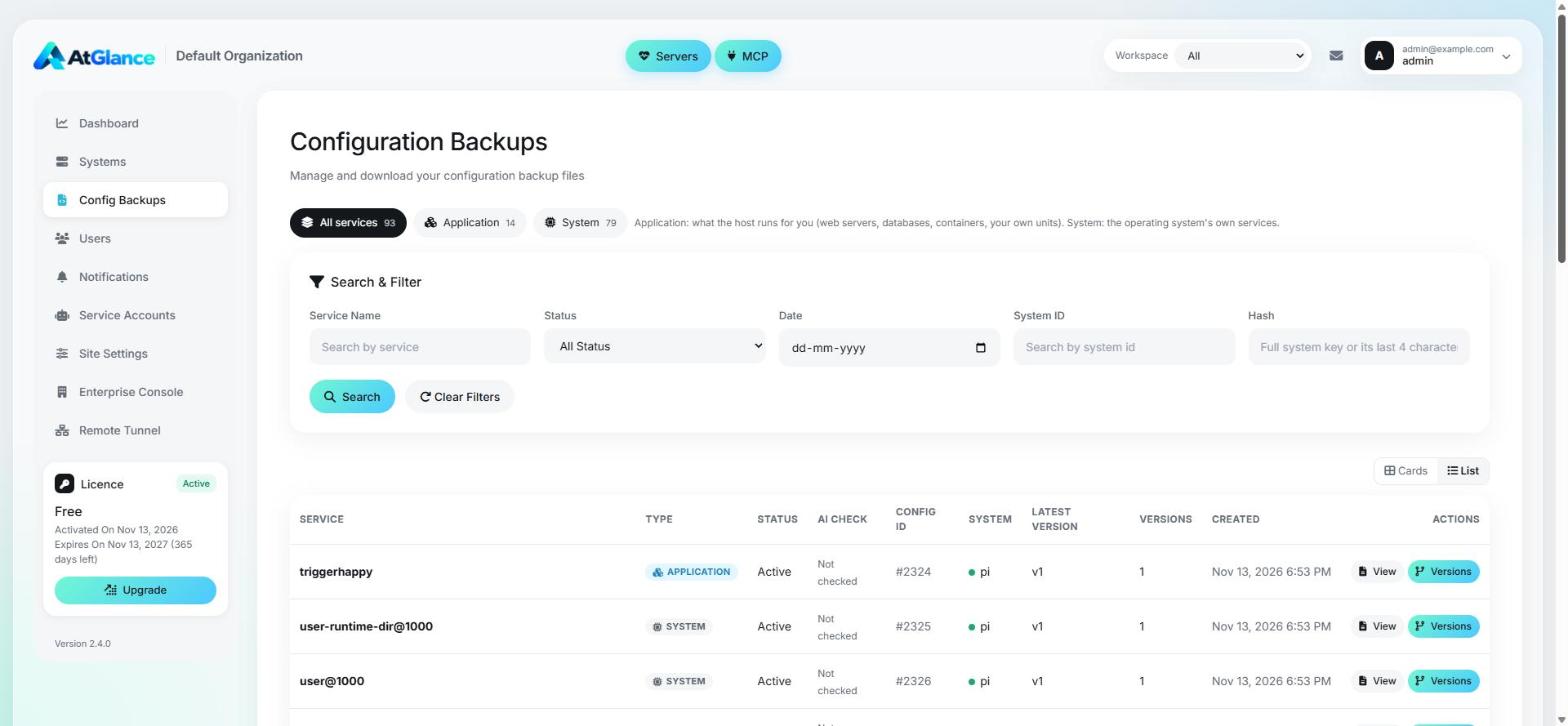
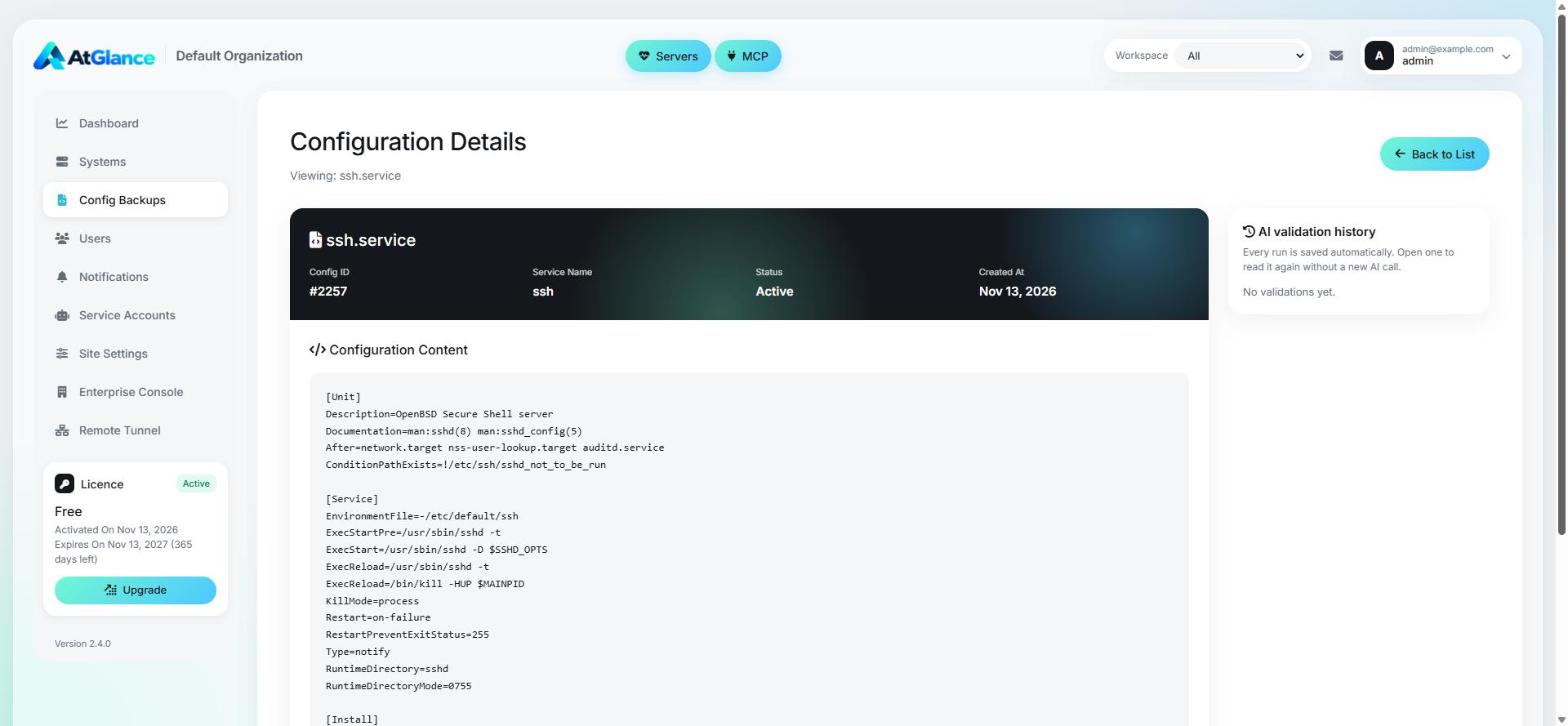
nginx, sshd, systemd units and more are uploaded on each change. Browse the history of any file, compare by hash, view or download any version.
- Per server and per service version history
- SHA-256 hash for each version, copy in one click
- View in the browser or download the exact file
AI finds risky settings before attackers do
Each uploaded config can be reviewed by the AI provider you choose. Findings are rated by severity and listed per file, system and version.
- Vulnerabilities page with severity, summary and version
- OpenAI, Anthropic, Gemini, Azure OpenAI, Mistral, Groq, DeepSeek, OpenRouter
- Or keep it private with Ollama or LM Studio on your network
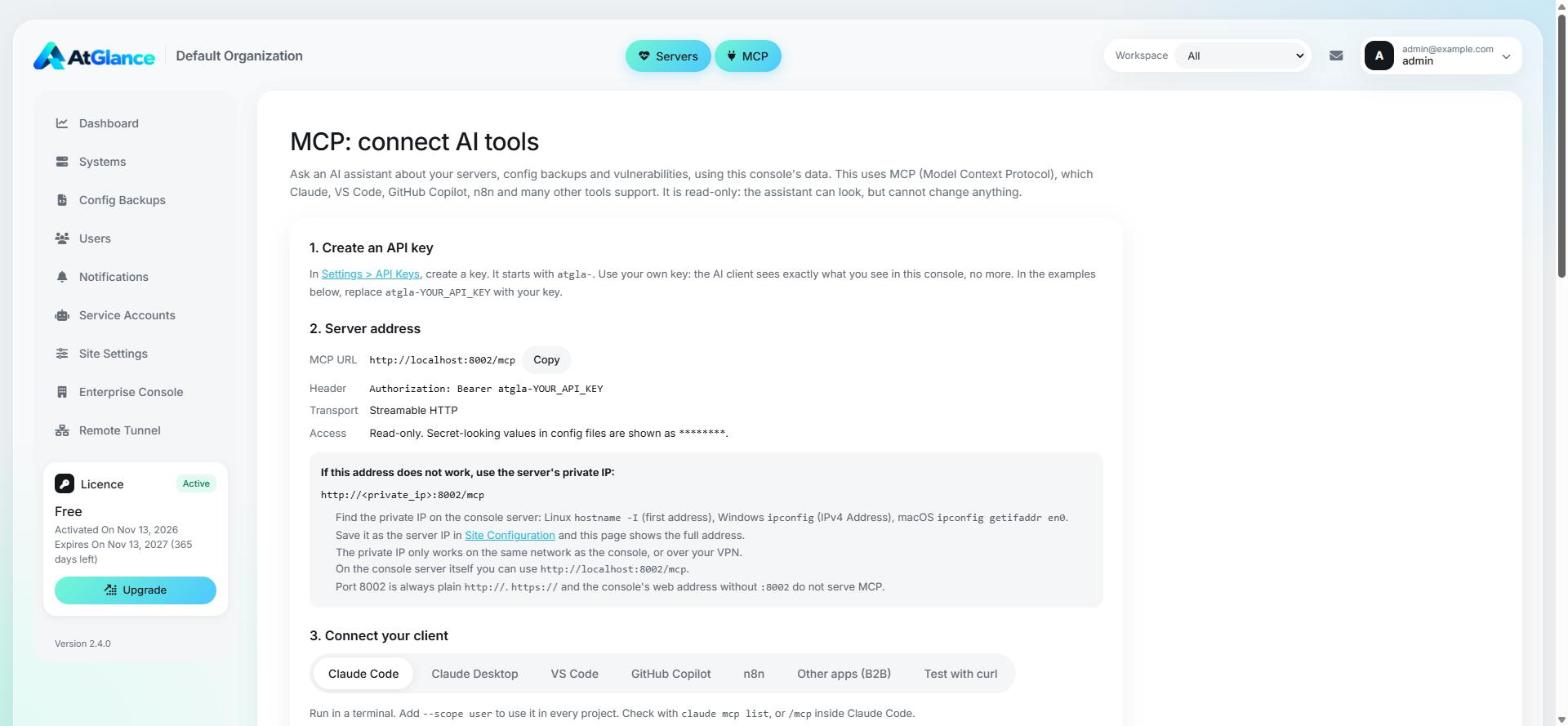
Ask your AI assistant about your servers
A read-only MCP server ships with every install. Connect Claude Desktop, Claude Code or any MCP client and ask about systems, backups, reviews and vulnerabilities.
- Read-only by design, scoped to the user's workspaces
- Copy-paste setup for popular AI clients
- Runs behind the same gateway as the CLI API
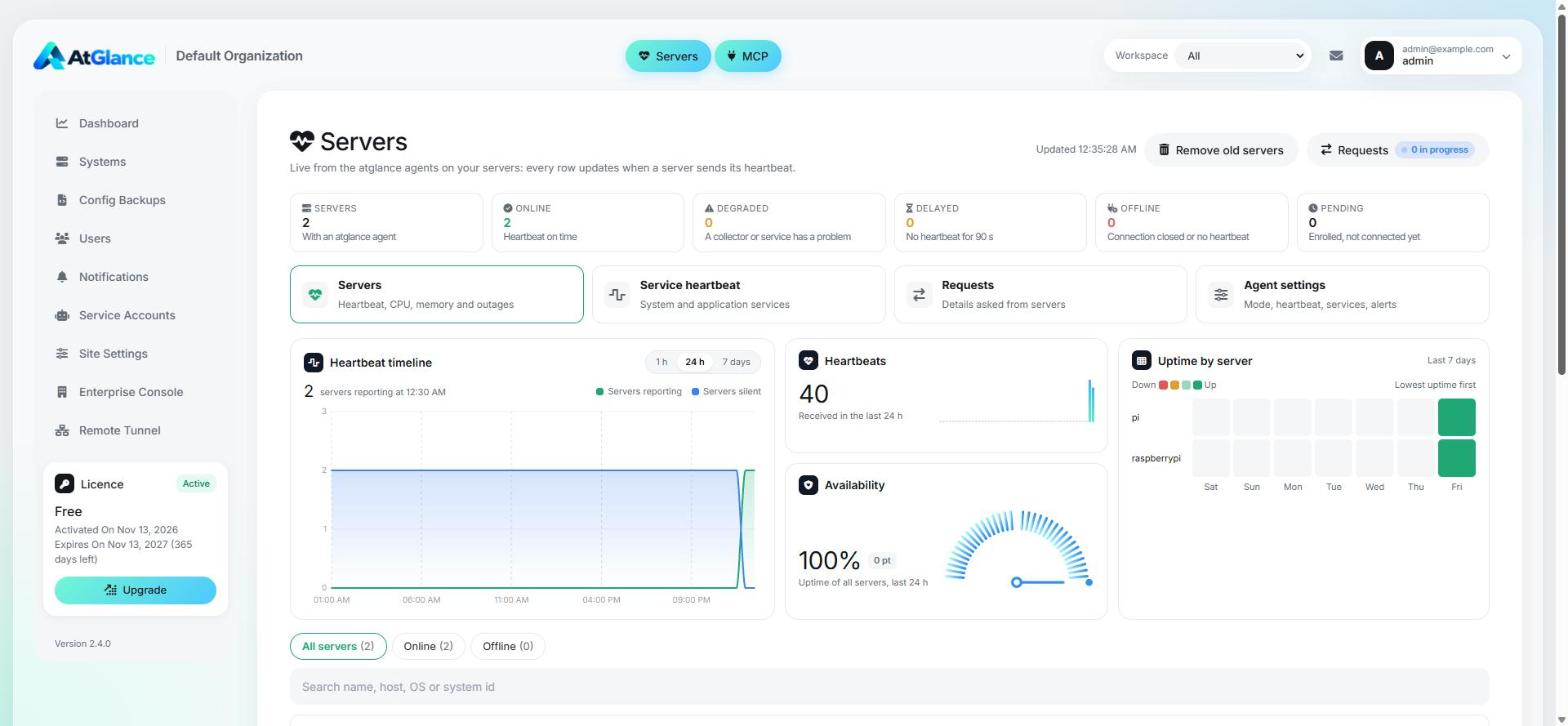
Live service health from every server
Servers running the AtGlance agent keep one outbound, encrypted connection to the console and report their services as they change. No inbound port is opened on the server.
- Live service monitoring page per system
- Linux, Windows Server and macOS agents
- One switch turns monitoring and heartbeats on or off
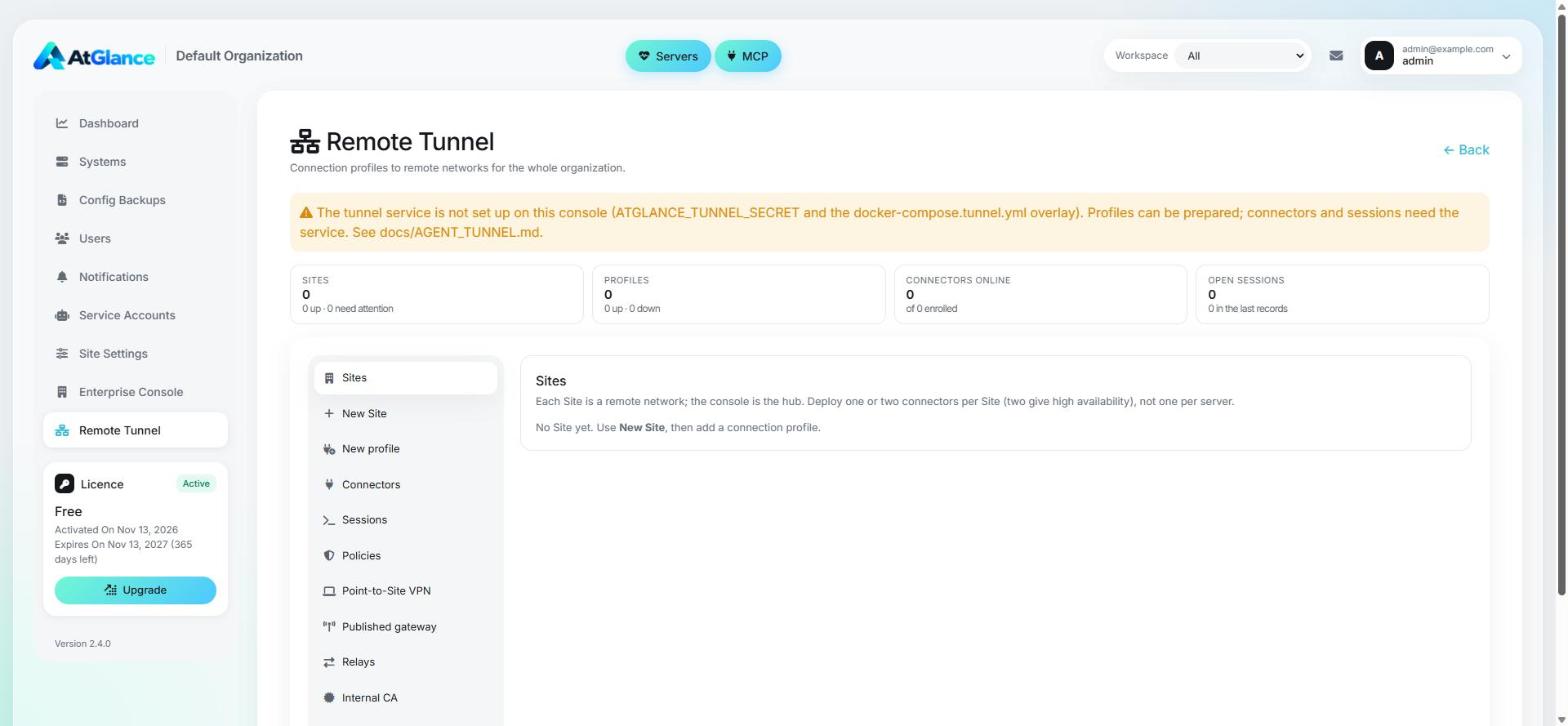
Reach servers on private networks
Connect sites behind NAT or firewalls through a connector, a relay, site-to-site IPsec or point-to-site access, and hop between sites. A premium feature.
- Sites with a connector or published gateway
- Site-to-site IPsec and point-to-site access
- Relay and multi-site hops
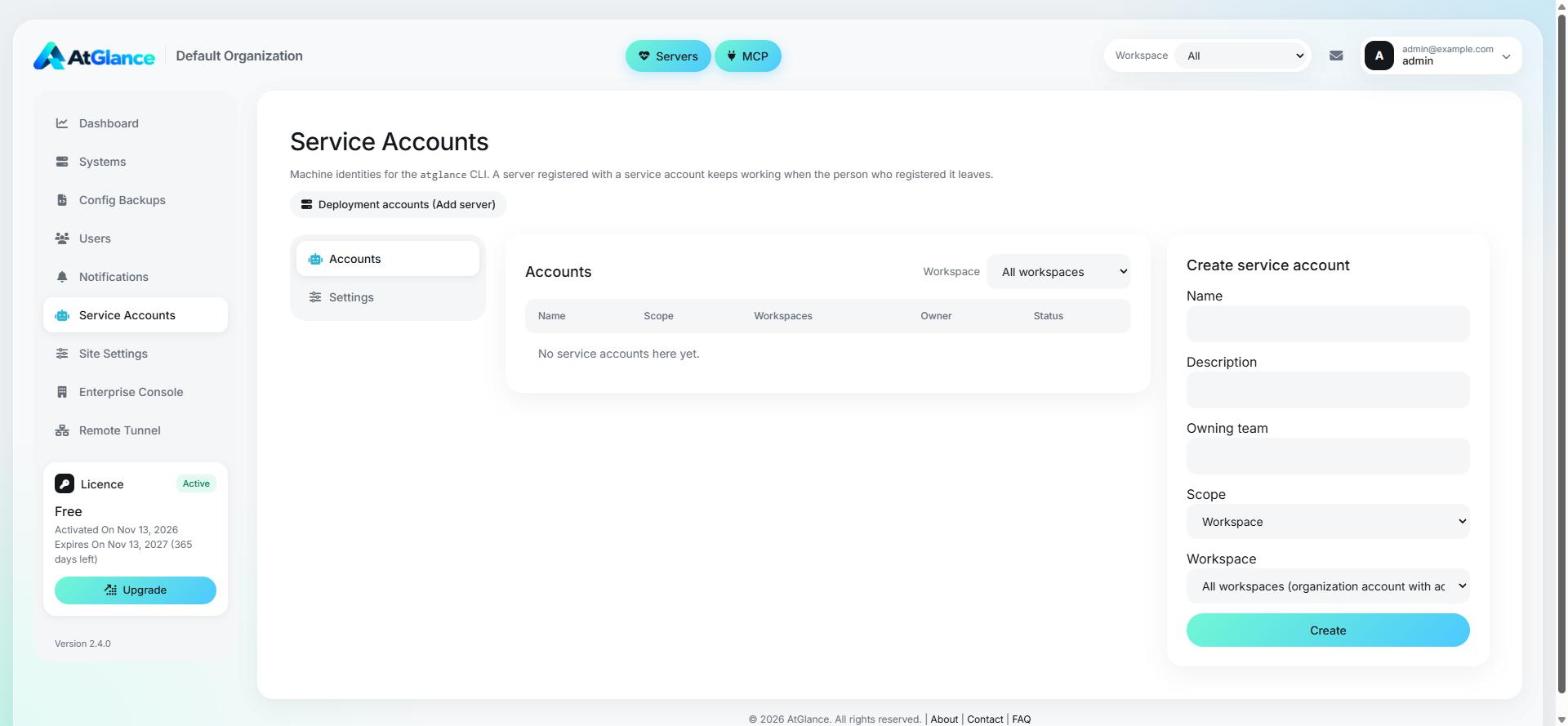
Machine keys for automation
Give scheduled CLI runs their own service account key (atgsa-) with only the scopes they need, instead of a person's key. Keys that expire soon trigger a notice.
- Scopes such as systems.register, configs.write, configs.read
- Expiry notices at 15, 7, 3, 2, 1 and 0 days
- Rotate a key without registering the server again
Separate teams, clear permissions
Group servers into workspaces for each team or environment. Workspace admins manage members, tags, AI reviews, backups and notifications for their own workspace.
- Super admin, admin and user roles
- Fine-grained access for workspace admins
- Activity log for every workspace
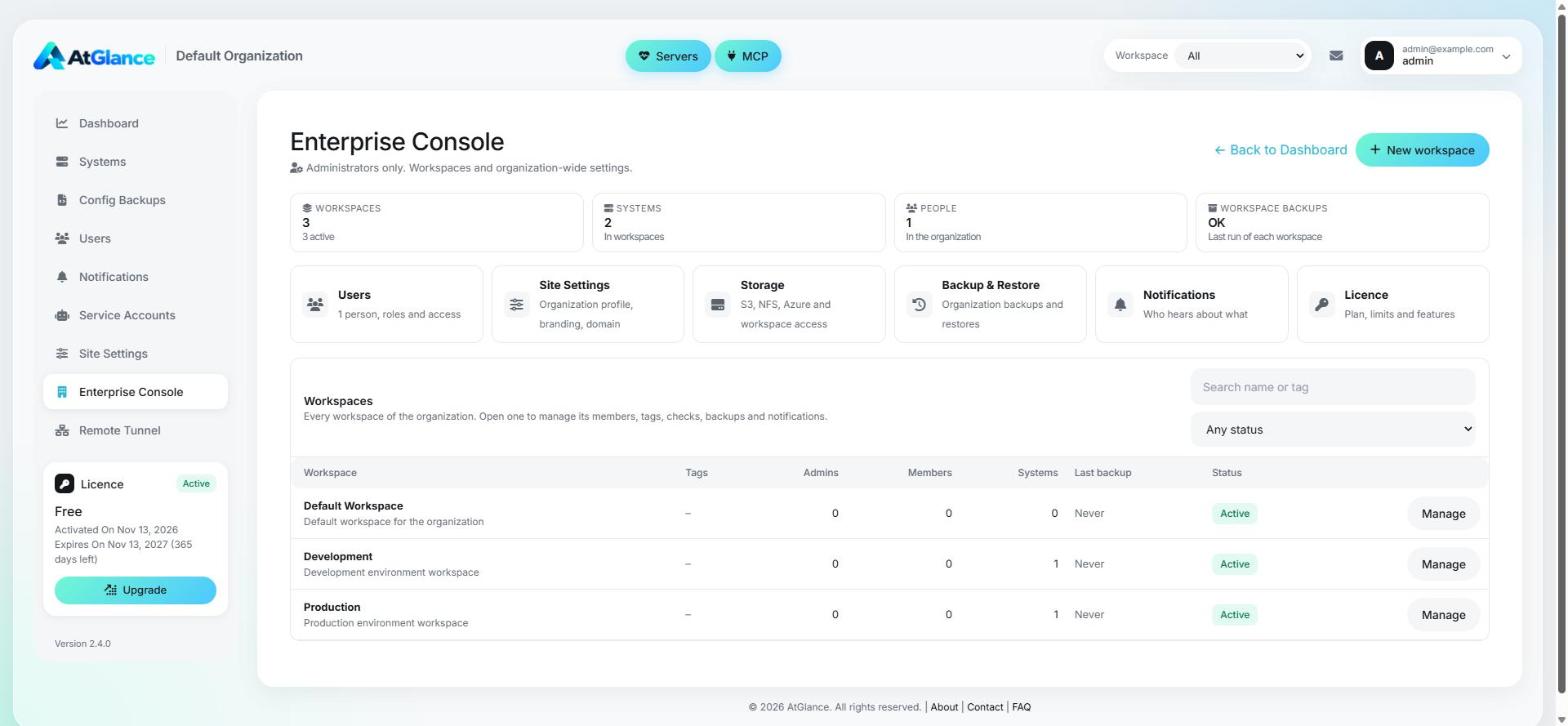
The right people hear about changes
Send events such as a new host, a changed config or a new vulnerability to the channel each team already uses.
- Email, Microsoft Teams, Slack, Telegram, n8n, webhooks and SMS
- Groups per workspace, plus organization-wide groups
- Each member picks the events they want
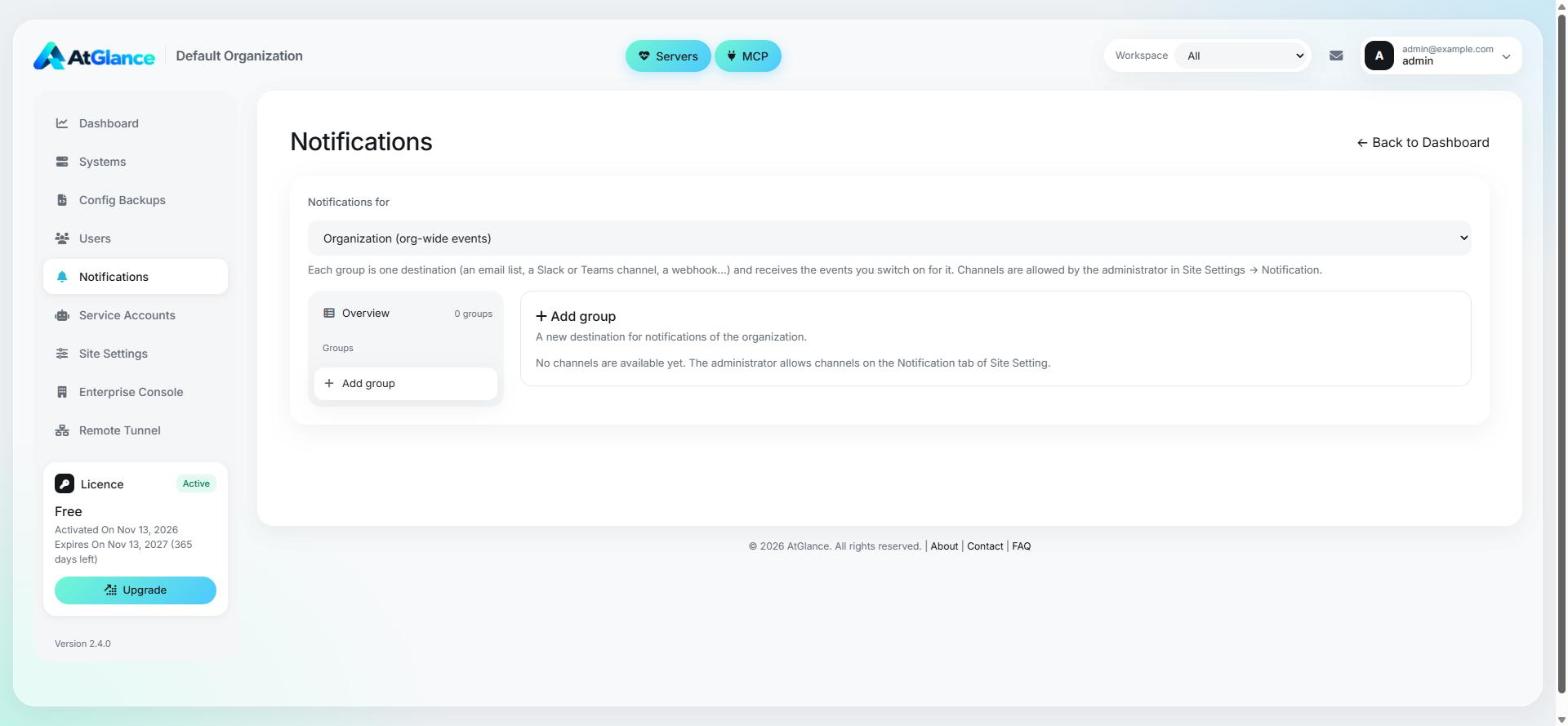
Scheduled backups, one-click restore
Back up the console database and all stored configuration files on a schedule, and restore them when you need to. Backups carry a manifest and checksums and can be encrypted.
- Database and configuration backups, separately
- Per-workspace backup schedules with notes
- Local disk, S3, NFS, Azure Storage or your own Google Drive
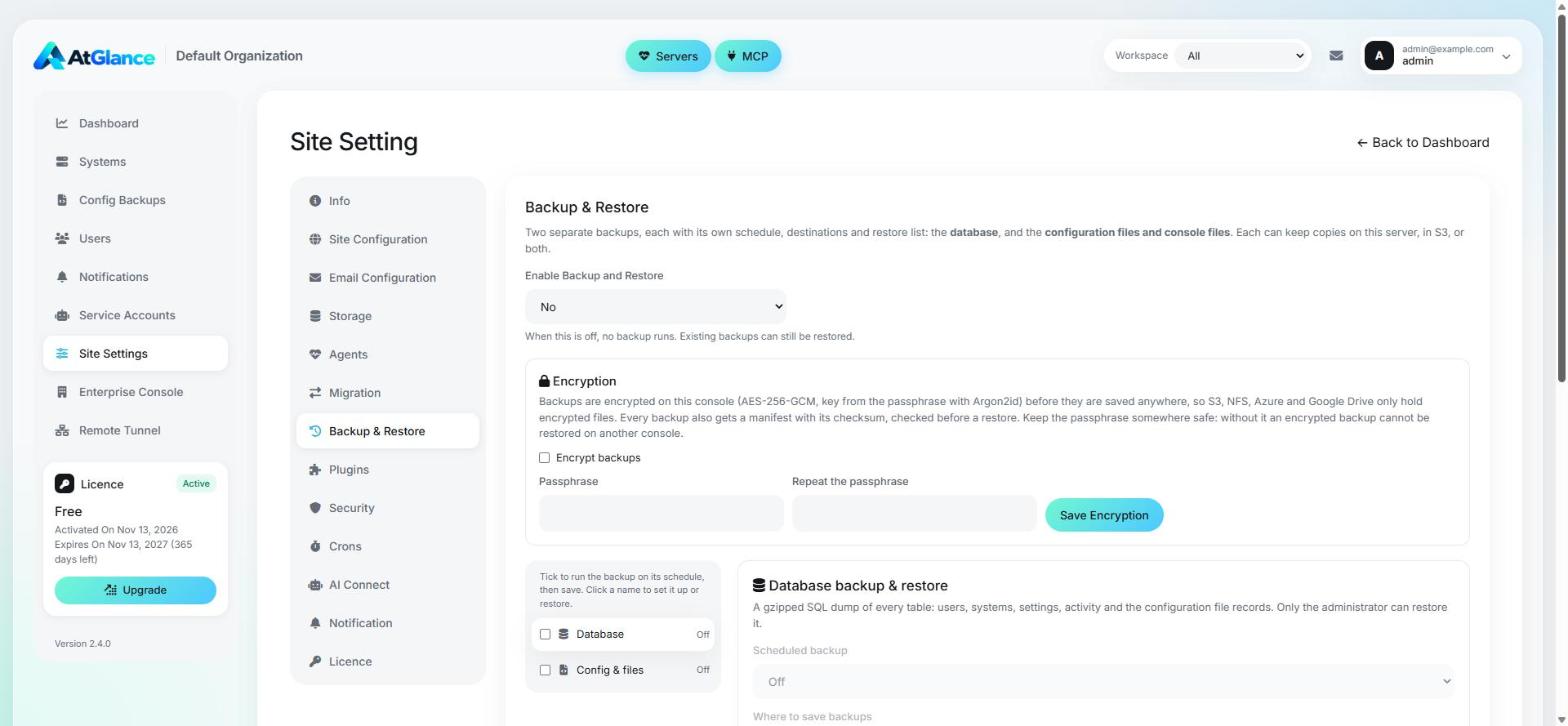
Sign in with the identity provider you already use
Turn on the SSO plugin and add one or more providers. Users sign in with their company account instead of a separate password.
- Google, Microsoft Entra ID, GitHub, GitLab and Okta
- Domain and tenant restrictions
- Email and password still available as a fallback
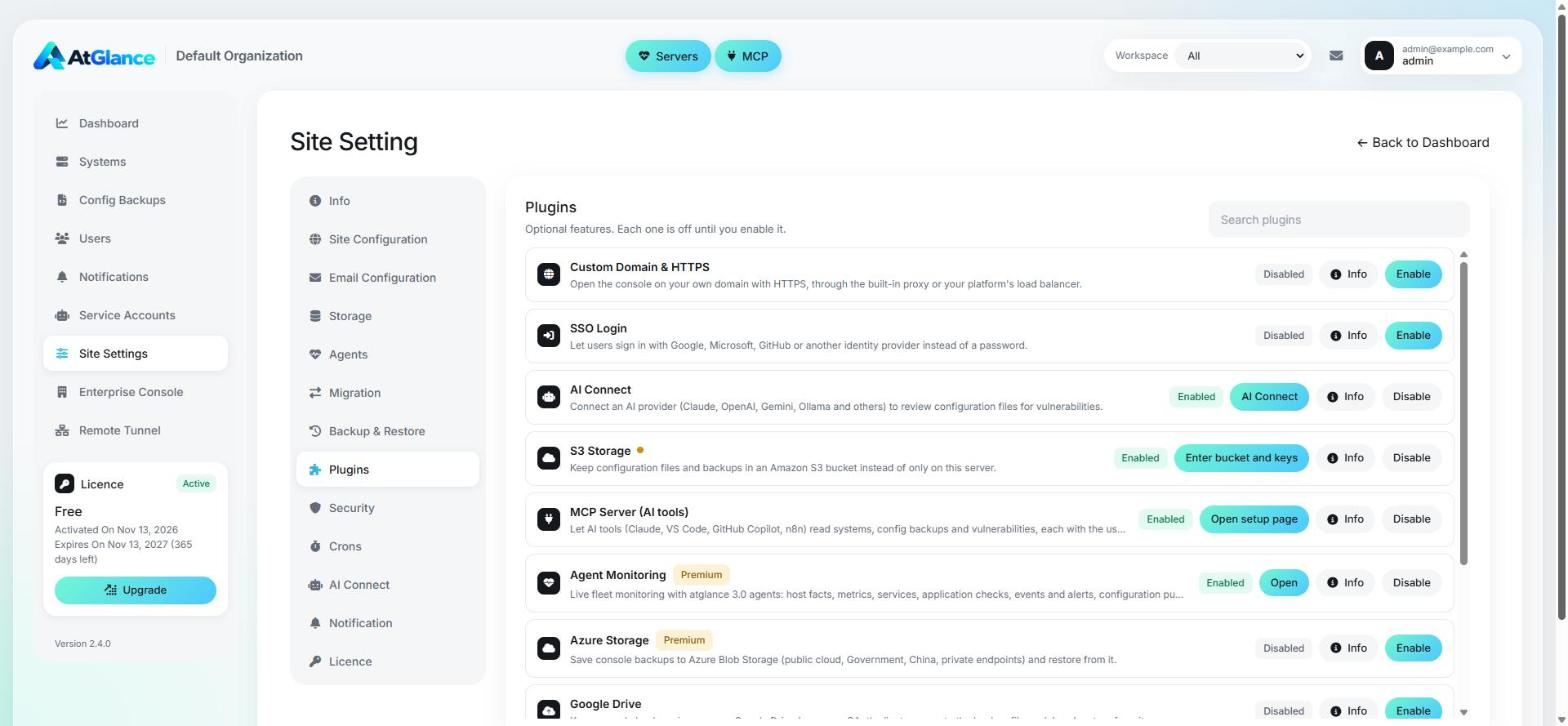
Custom domain, HTTPS and white-label
Serve the console on your own domain with HTTPS, and show your organization's name, logo and help pages to your users.
- Custom domain with built-in CA or your own certificate
- Organization name, logo and favicon
- About, Features, FAQ, Support and Contact pages
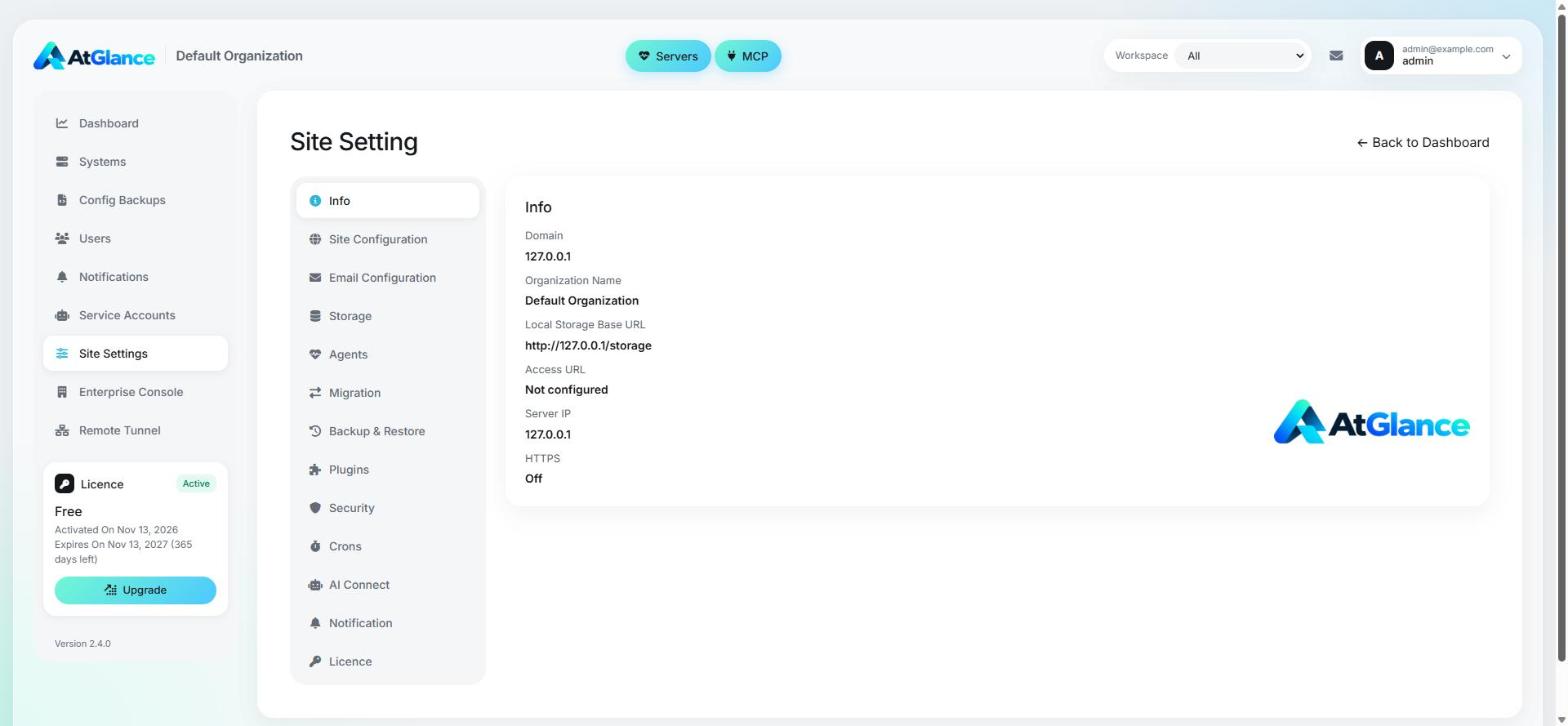
Production-ready from day one
Survives database outages
If MySQL goes down, writes are queued in Redis and replayed when it comes back.
Runs anywhere
One command on a Linux VM or Windows, or as containers on ECS, Kubernetes or Cloud Run.
Safe updates
The updater backs up first, checks health after, and tells you how to roll back.
Inside your boundary
Configs and AI reviews stay on your infrastructure. Nothing is sent to AtGlance.
API gateway for the CLI
The CLI talks to a dedicated gateway on port 8002 with personal access tokens.
Activity history
Every sign-in, change and upload is recorded per user and per workspace.
More screenshots
The Console under the hood
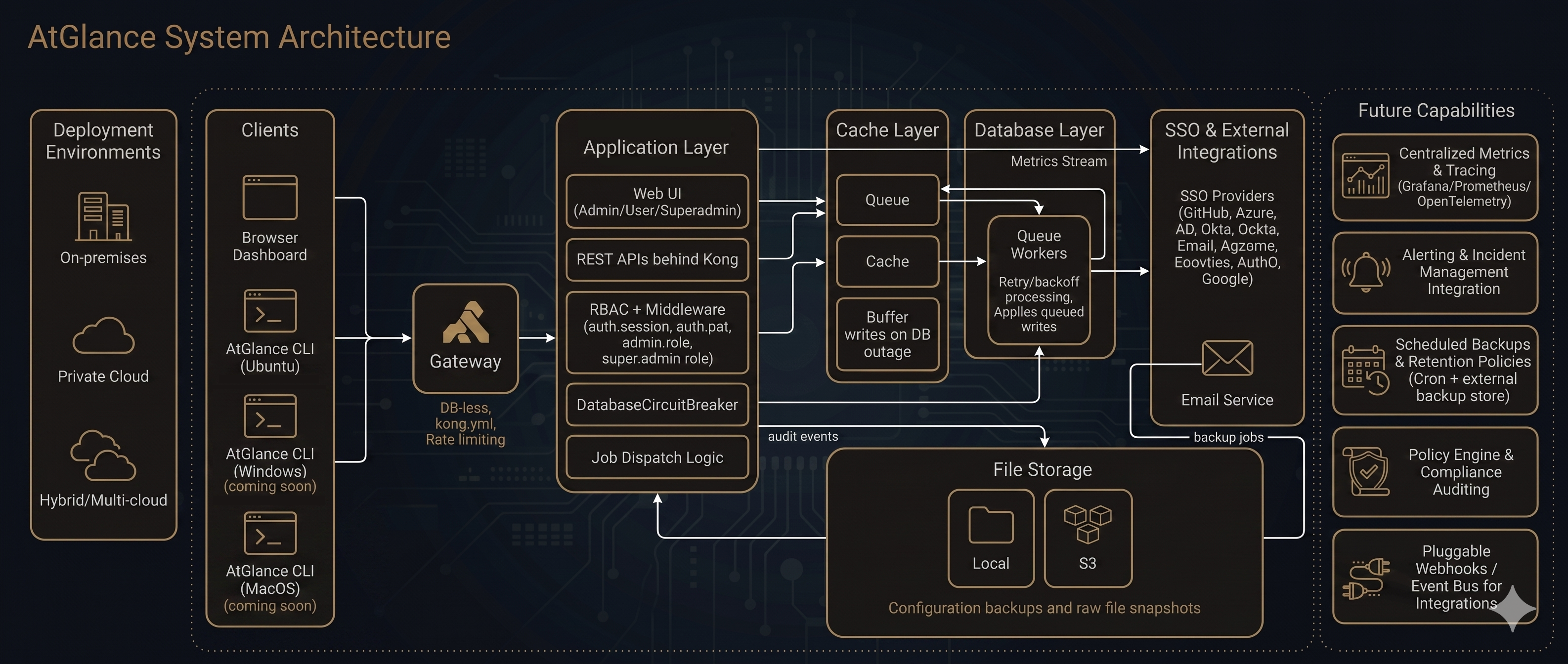
What happens during a DB outage
-
STEP 01DetectDatabaseCircuitBreaker probes the database. Threshold tripped → circuit open.
-
STEP 02BufferWrites are encoded as jobs and pushed to the cache queue 'buffer'.
-
STEP 03RecoverProbes succeed again. Circuit half-open → full close.
-
STEP 04ReplayWorkers drain the buffer queue. Jobs are idempotent by design.
Three roles. One source of truth.
| Capability | superadmin | admin | user |
|---|---|---|---|
| Tenancy & billing | Yes | No | No |
| Manage organisations | Yes | Yes | No |
| Manage users & roles | Yes | Yes | No |
| Register / deregister systems | Yes | Yes | No |
| View configuration backups | Yes | Yes | Yes |
| Trigger reactivation | Yes | Yes | No |
| Read assigned workspaces only | No | No | Yes |
| Generate PAT tokens | Yes | Yes | Yes |
Running in five minutes
The installer sets up Docker if needed, pulls the Console images and starts them. It asks for a licence key from your AtGlance dashboard.
curl -fsSL https://app.atglance.live/console/atglance-installer.sh | sudo bashirm https://app.atglance.live/console/atglance-installer.ps1 | iexWhich one do I use?
Both. The CLI runs on each server; the Console keeps the history and the controls for your team.
| Task | CLI | Console |
|---|---|---|
| See service health on one server | atglance status, service, watch | Systems and live monitoring for the whole fleet |
| Back up unit files | sync, config backup | Keeps every version, per server and service |
| Compare and restore | config diff, config restore with rollback | View, compare by hash and download any version |
| Find risky settings | — | AI configuration review and Vulnerabilities page |
| Automate | schedule enable (daily check and sync) | Service accounts, notifications, scheduled backups |
| Manage people | — | Workspaces, roles, SSO, activity history |
| Works without the other | Yes, for health commands | Yes, but servers report through the CLI or agent |